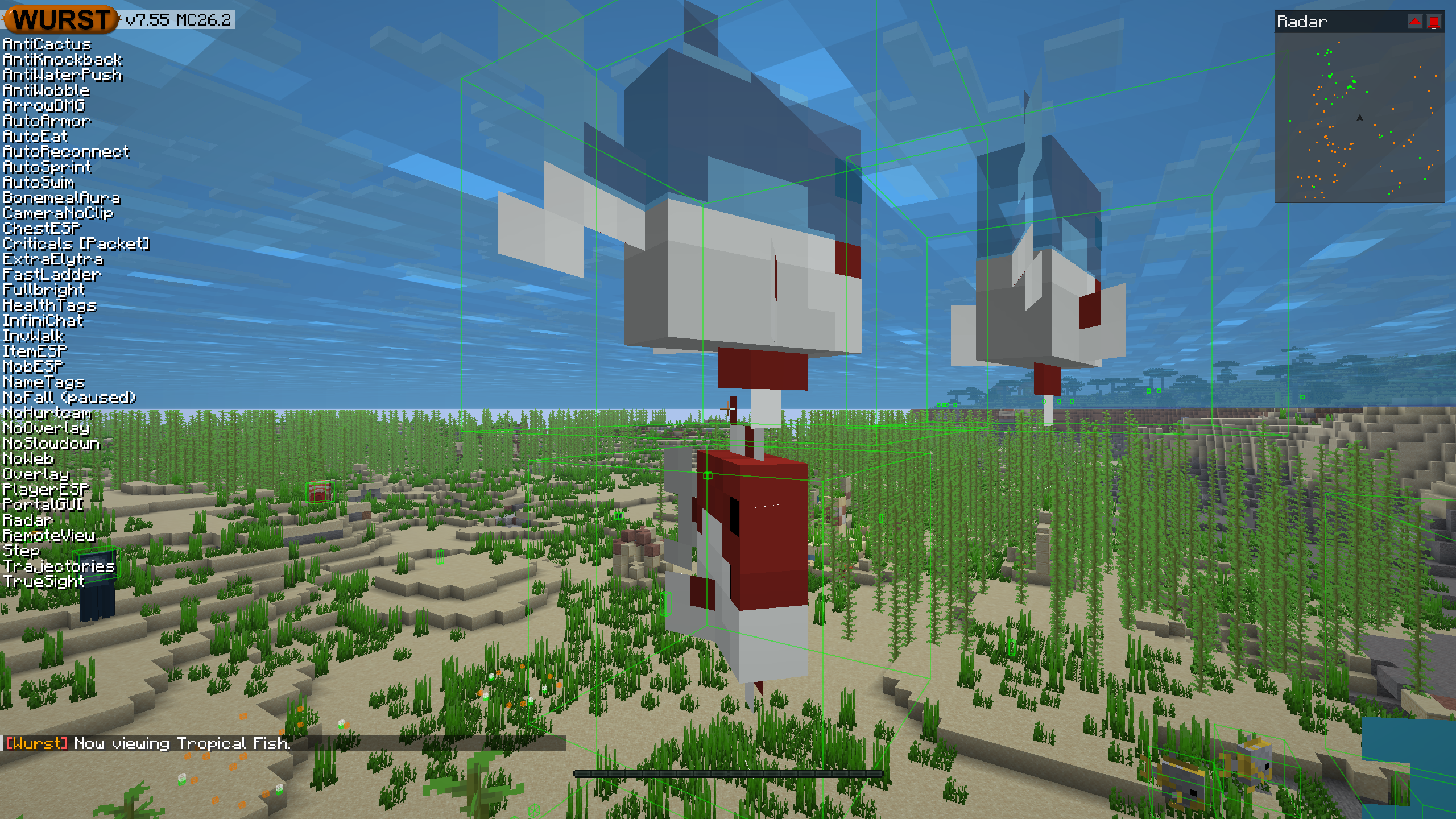
This version of the Wurst Hacked Client is available for Minecraft 26.2, 26.1.2 and 1.21.11, as well as snapshots 26.3-snapshot-10 and 26.3-snapshot-9.
Changelog since v7.55pre1
-
Fixed
.rv <name>not working with mobs that have spaces in their name. (#1342) -
Running just
.rvwithout a name is now valid and will simply toggle RemoteView. -
Running
.rv <name>while already viewing another entity will now switch to the given entity immediately, instead of turning RemoteView off and waiting for you to run the same command again. -
Repeating the same
.rv <name>command will now cycle through all entities with that name, instead of turning RemoteView off or going back to the first matching entity. -
Fixed a crash on startup when using Wurst together with the Enchantment Insights mod. (#1375)
-
Fixed AutoSprint not making you sprint when creative mode flying in water. (#1380)
-
Fixed AutoSwim making you sprint when creative mode flying in water.
-
Fixed NameTags with the “Always show player names” setting enabled making the player’s nametag in the inventory way too big. (/d/1652, Minecraft 26.2 and later versions only)
Changelog since v7.54.1
-
Completely overhauled RemoteView. It now works more like vanilla spectator mode, including the shader effects when viewing certain mobs.
-
Added “Interact from” and “Hide hand” settings to RemoteView, similar to the ones in Freecam.
-
RemoteView and Freecam as well as RemoteView and LSD can no longer be enabled at the same time.
-
Enabling Freecam while using RemoteView now places the camera near the entity you were viewing, instead of teleporting it back to the player.
-
Tunneller will now keep working while you are using RemoteView.
-
Fixed the choppy movement/rotation while using RemoteView.
-
Fixed RemoteView spam-teleporting the camera if the real player is riding an entity. (/d/1653)
-
Updated the Russian translations. (#1405)
-
Updated the Polish translations. (#1384)
-
Updated the Chinese (Simplified/Mainland) translations. (#1378)
-
Fixed quote styles being inconsistent in various translations (including English).
-
Fixed FeedAura not feeding slimeballs to baby Sulfur Cubes, even when “Filter babies” is turned off. (/d/1672)
-
Fixed AutoSprint’s “Omnidirectional Sprint” setting no longer speeding up sideways movement and added a test to make sure that doesn’t break again. (/d/1649)
-
Fixed Follow losing track of a followed minecart after reconnecting and
.followrefusing to follow minecarts at all. -
Removed BonemealAura’s “Swing hand” / “Interact swing” setting, as Minecraft now creates a server-side swing event when using bone meal that Wurst cannot suppress. (Minecraft 26.1 and later versions only)
-
Fixed
.rv <name>not working with mobs that have spaces in their name. (#1342) -
Running just
.rvwithout a name is now valid and will simply toggle RemoteView. -
Running
.rv <name>while already viewing another entity will now switch to the given entity immediately, instead of turning RemoteView off and waiting for you to run the same command again. -
Repeating the same
.rv <name>command will now cycle through all entities with that name, instead of turning RemoteView off or going back to the first matching entity. -
Fixed a crash on startup when using Wurst together with the Enchantment Insights mod. (#1375)
-
Fixed AutoSprint not making you sprint when creative mode flying in water. (#1380)
-
Fixed AutoSwim making you sprint when creative mode flying in water.
-
Fixed NameTags with the “Always show player names” setting enabled making the player’s nametag in the inventory way too big. (/d/1652, Minecraft 26.2 and later versions only)
Included Features
Default Keybinds (14)
These are the default keybinds when you first install Wurst. All of them are fully customizable!
- B → FastPlace & FastBreak
- C → Fullbright
- G → Flight
- ; → SpeedNuker
- H → /home
- J → Jesus
- K → MultiAura
- N → Nuker
- R → Killaura
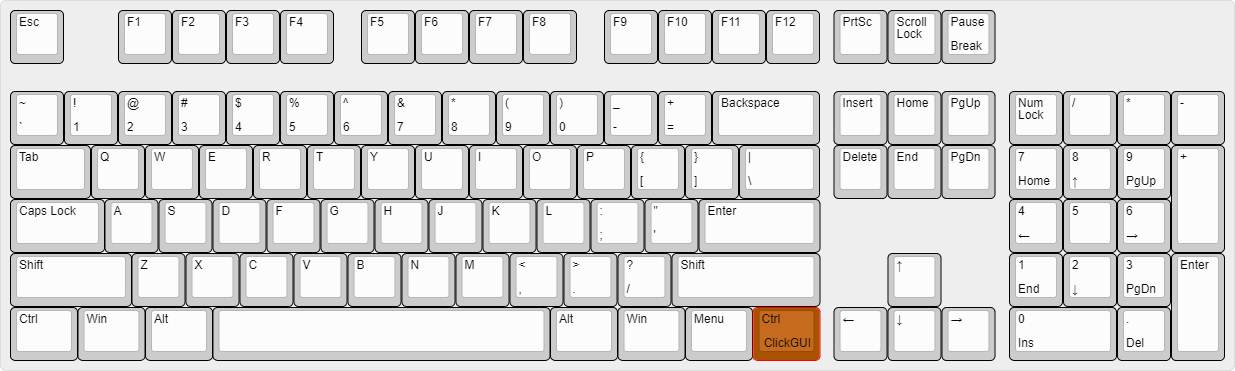
- Right CTRL → ClickGUI
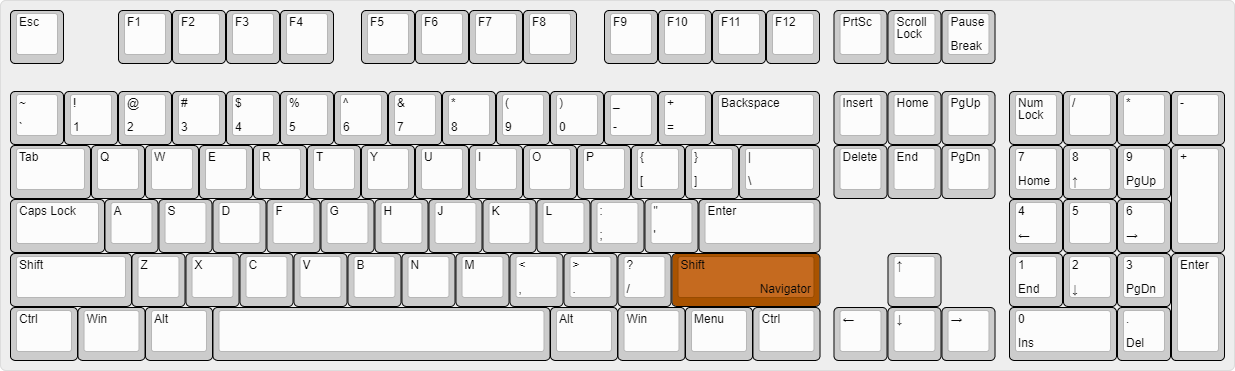
- Right SHIFT → Navigator
- U → Freecam
- X → X-Ray
- Y → Sneak
GUIs (3)
Wurst has more than just one GUI. You can choose whichever one you like best.
ClickGUI
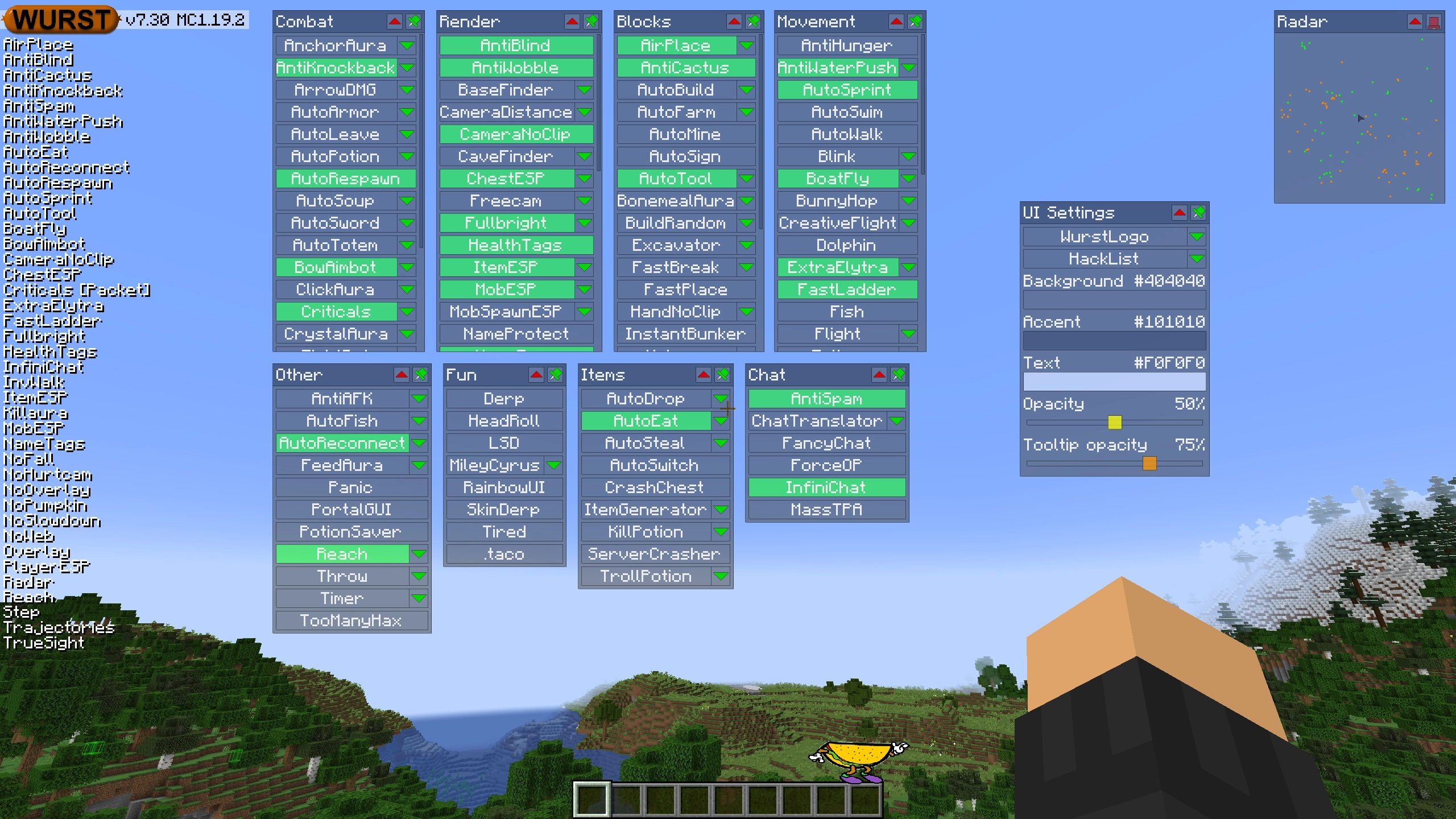
ClickGUI opens with the Right CTRL key. When opened, it displays a window for each category, which then contains a list of every feature in that category.
Navigator
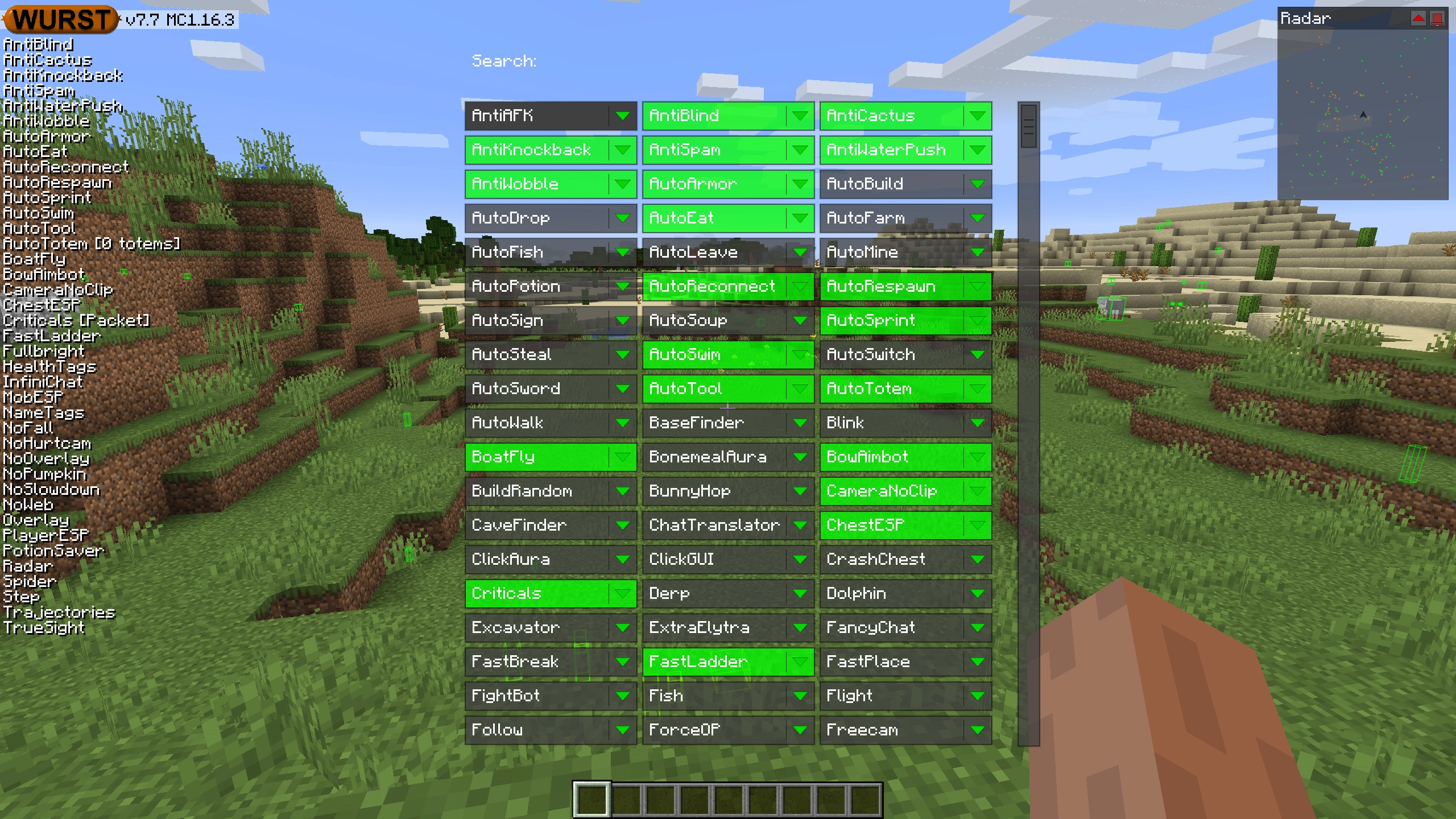
Navigator opens with the Right Shift key. When opened, it displays a searchable list of every feature in Wurst.
TabGUI
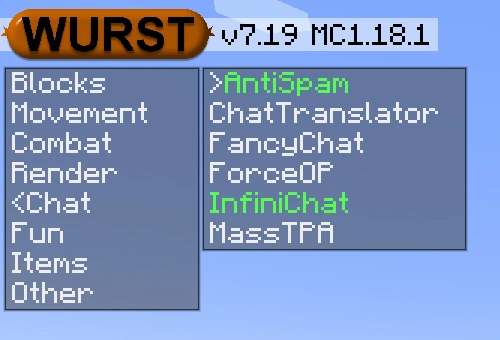
TabGUI does not have a default keybind. You can enable it by opening the Navigator GUI and searching for "TabGUI" (don't worry, you only need to do this once).
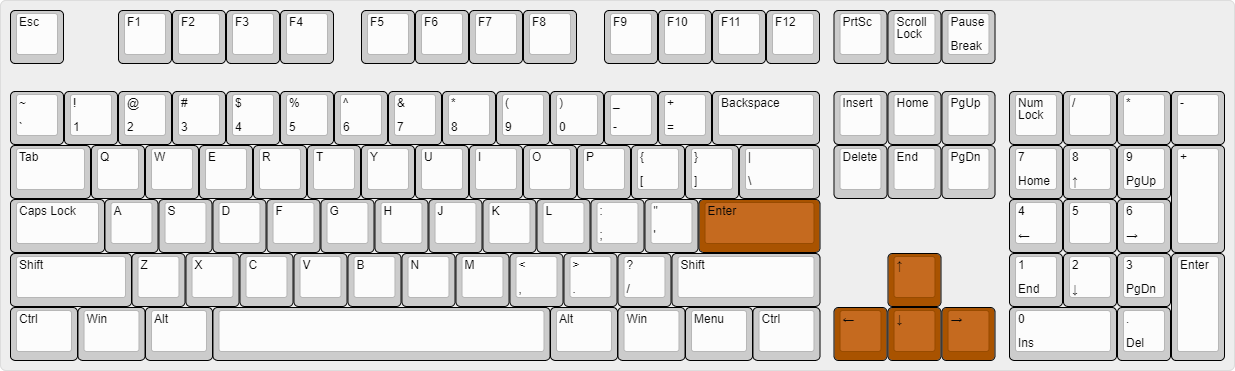
Once enabled, you can use TabGUI with the Arrow Keys to change the selection and Enter to toggle the selected feature.
Supported Languages (15)
Translations are unfinished and thus disabled by default. Go to Wurst Options → Translations to enable them.
- Chinese (Simplified/Mainland)
- Chinese (Traditional/Taiwan)
- Chinese (Cantonese/Hong Kong)
- Czech
- English (US)
- French
- German
- Italian
- Japanese
- Korean
- Polish
- Romanian
- Russian
- Turkish
- Ukrainian
 Fabric API
v0.158.0+26.2
Fabric API
v0.158.0+26.2