
 Download via Ko-fi
This version of the Wurst Hacked Client is available for Minecraft 1.21.11 and 1.21.10.
Changelog
-
AutoFarm can now harvest and replant sea pickles. (#1239)
-
Renamed AutoFarm’s settings to consistently use “Sentence case” instead of “Title Case”.
-
Added a “Sea pickles” checkbox to BonemealAura.
-
Renamed the “Automation level” setting in BonemealAura to “Take items from” to be consistent with other hacks.
-
Replaced the Fast/Legit Mode in BonemealAura with more granular settings.
-
Added a MultiMeal checkbox to BonemealAura: When checked, BonemealAura can use bone meal on multiple plants at once. (This was previously part of Fast mode.)
-
Added a “Check line of sight” checkbox to BonemealAura. (This was previously part of Legit mode.)
-
Added a “Face target” setting to BonemealAura. (Previous behavior was equivalent to Server in Legit mode and Off in Fast mode.)
-
Added a “Swing hand” setting to BonemealAura. (Previous behavior was equivalent to Client in Legit mode and Off in Fast mode.)
-
Added an “Always FastPlace” checkbox to BonemealAura. (This was previously always off.)
-
Added a “Use while breaking” checkbox to BonemealAura. (This was previously always off.)
-
Added a “Use while riding” checkbox to BonemealAura. (This was previously always off.)
-
Renamed “Disable Wurst” to “DisableWurst”, since feature names aren’t supposed to have spaces. The space also made it impossible to change DisableWurst’s settings through .commands, which is now fixed.
-
Increased the default BonemealAura range to 5, matching AutoFarm’s default range.
-
Searching “bmaura” in Navigator will now find BonemealAura.
Included Features
Default Keybinds (14)
These are the default keybinds when you first install Wurst. All of them are fully customizable!
- B → FastPlace & FastBreak
- C → Fullbright
- G → Flight
- ; → SpeedNuker
- H → /home
- J → Jesus
- K → MultiAura
- N → Nuker
- R → Killaura
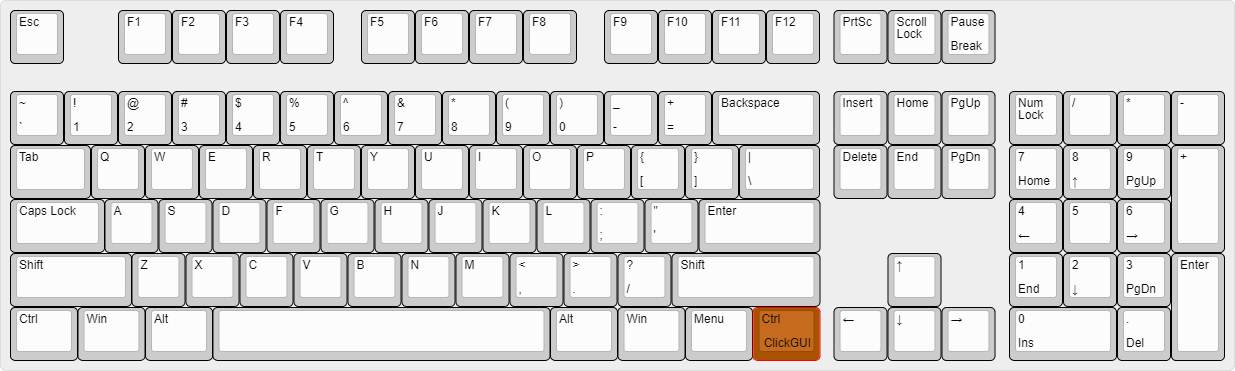
- Right CTRL → ClickGUI
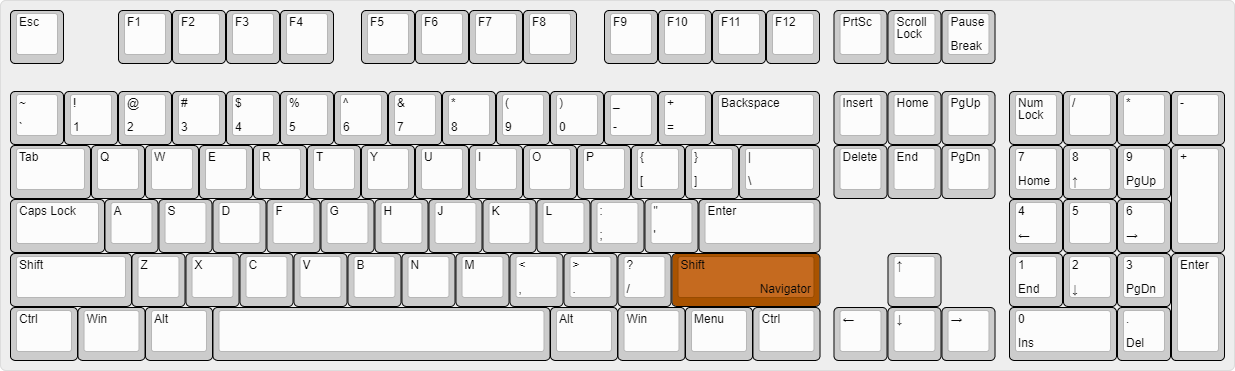
- Right SHIFT → Navigator
- U → Freecam
- X → X-Ray
- Y → Sneak
GUIs (3)
Wurst has more than just one GUI. You can choose whichever one you like best.
ClickGUI
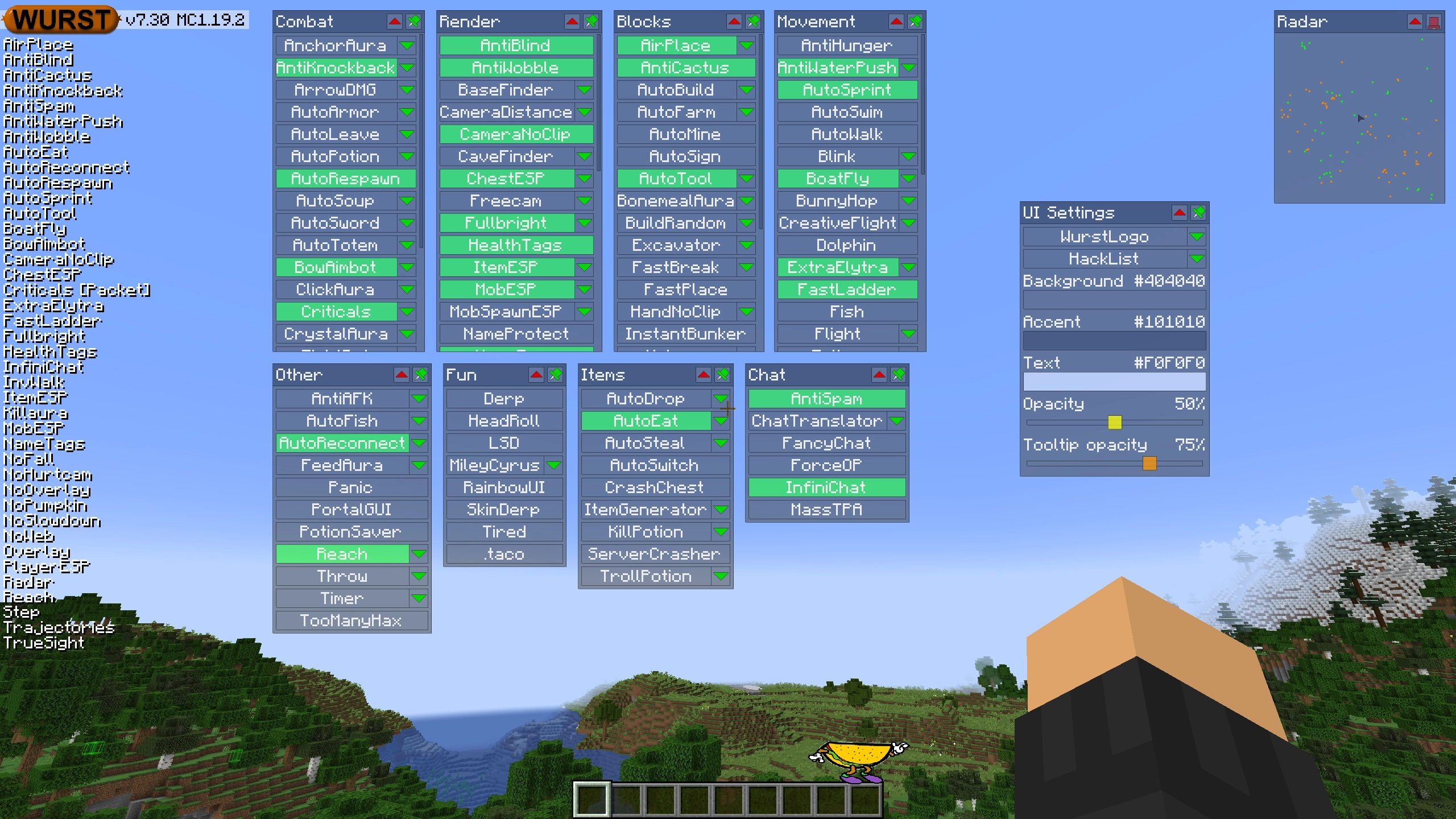
ClickGUI opens with the Right CTRL key. When opened, it displays a window for each category, which then contains a list of every feature in that category.
Navigator
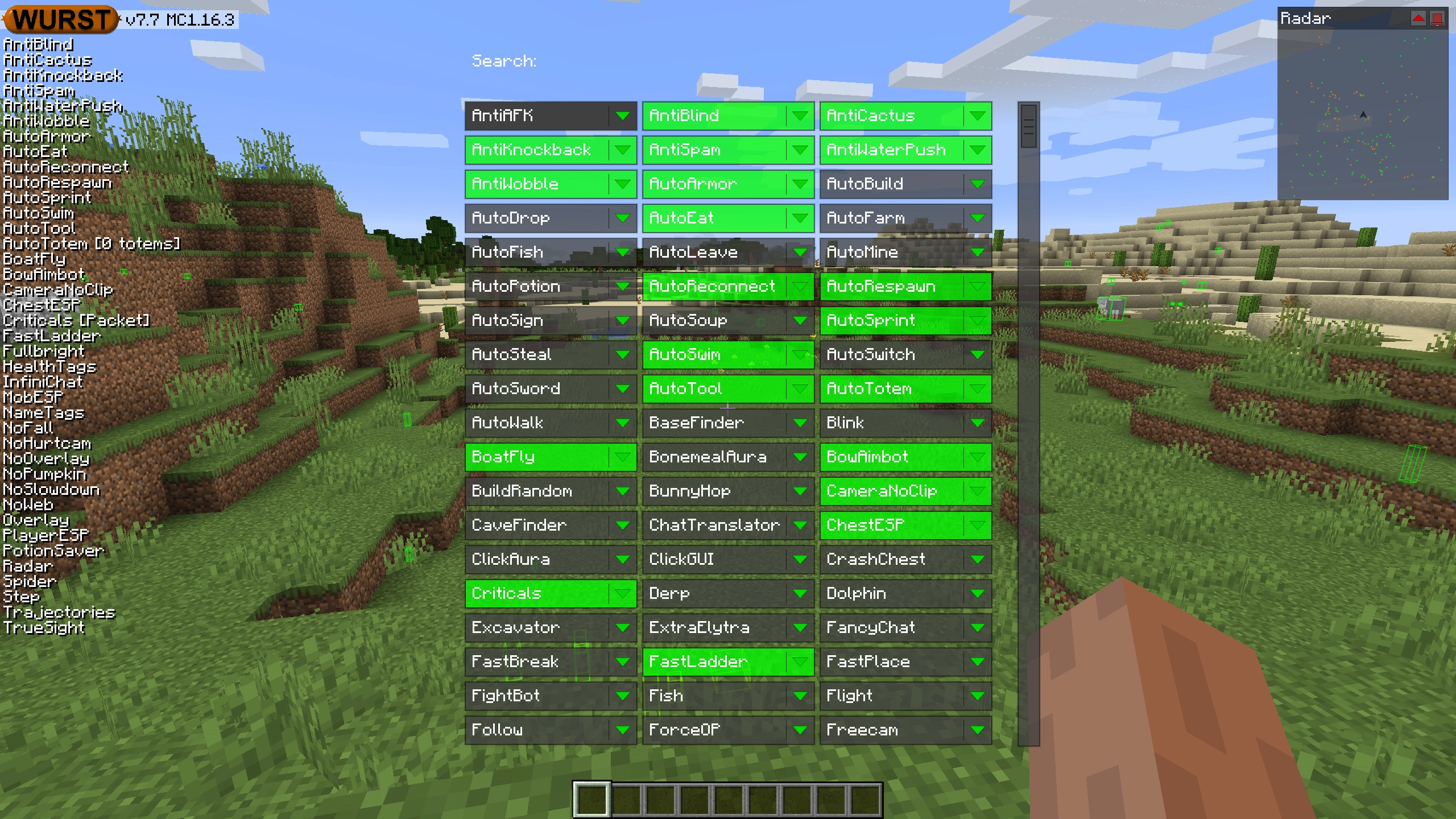
Navigator opens with the Right Shift key. When opened, it displays a searchable list of every feature in Wurst.
TabGUI
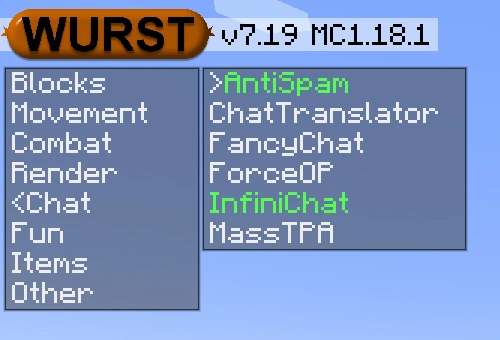
TabGUI does not have a default keybind. You can enable it by opening the Navigator GUI and searching for "TabGUI" (don't worry, you only need to do this once).
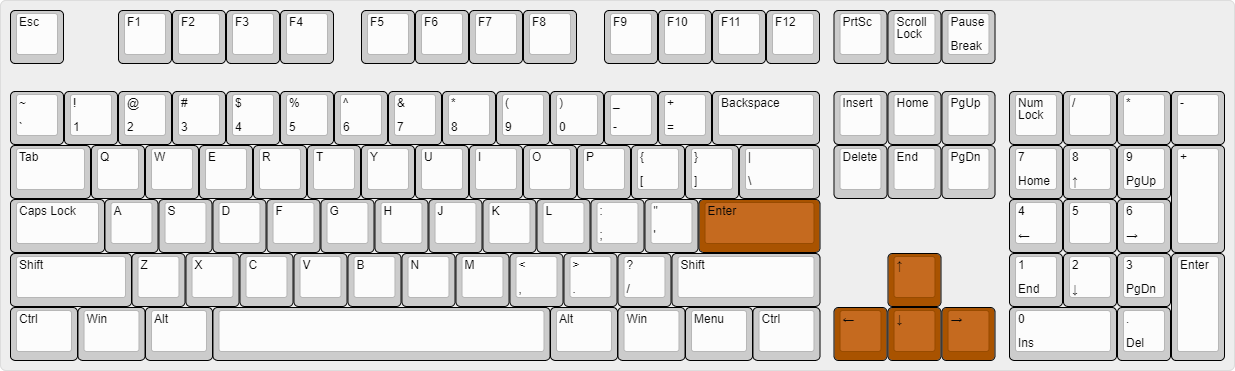
Once enabled, you can use TabGUI with the Arrow Keys to change the selection and Enter to toggle the selected feature.
Supported Languages (15)
Translations are unfinished and thus disabled by default. Go to Wurst Options → Translations to enable them.
- Chinese (Simplified/Mainland)
- Chinese (Traditional/Taiwan)
- Chinese (Cantonese/Hong Kong)
- Czech
- English (US)
- French
- German
- Italian
- Japanese
- Korean
- Polish
- Romanian
- Russian
- Turkish
- Ukrainian