
This version of the Wurst Hacked Client is available for Minecraft 1.21.11, as well as snapshot 26.1-snapshot-1.
Changelog
-
Updated X-Ray to support Sodium version 0.8.0 for Fabric 1.21.11.
-
Fixed X-Ray not hiding blocks like tall/short grass and snow layers properly.
-
Added snow layers to the X-Ray test images.
-
X-Ray will most likely break again once FRAPI (the Fabric Rendering API) gets updated to 1.21.11. To avoid issues, please only use this Wurst version with Fabric API version 0.139.4+1.21.11 (linked below).
See also: Wurst 7.51 changelog, Wurst 7.51.1 changelog, Wurst 7.51.2 changelog
Included Features
Default Keybinds (14)
These are the default keybinds when you first install Wurst. All of them are fully customizable!
- B → FastPlace & FastBreak
- C → Fullbright
- G → Flight
- ; → SpeedNuker
- H → /home
- J → Jesus
- K → MultiAura
- N → Nuker
- R → Killaura
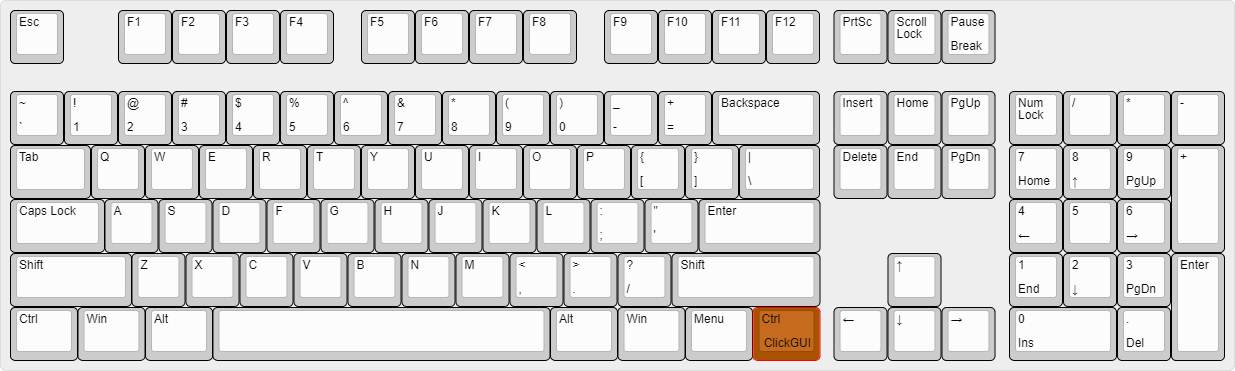
- Right CTRL → ClickGUI
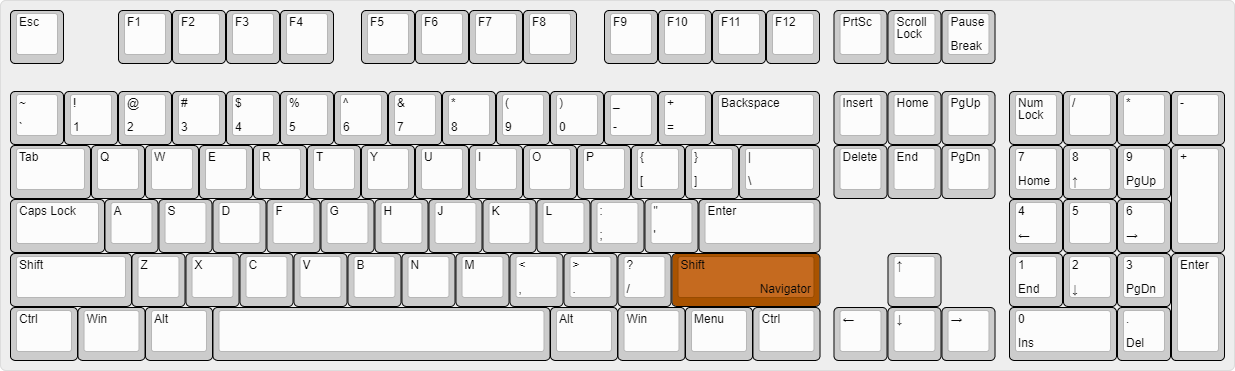
- Right SHIFT → Navigator
- U → Freecam
- X → X-Ray
- Y → Sneak
GUIs (3)
Wurst has more than just one GUI. You can choose whichever one you like best.
ClickGUI
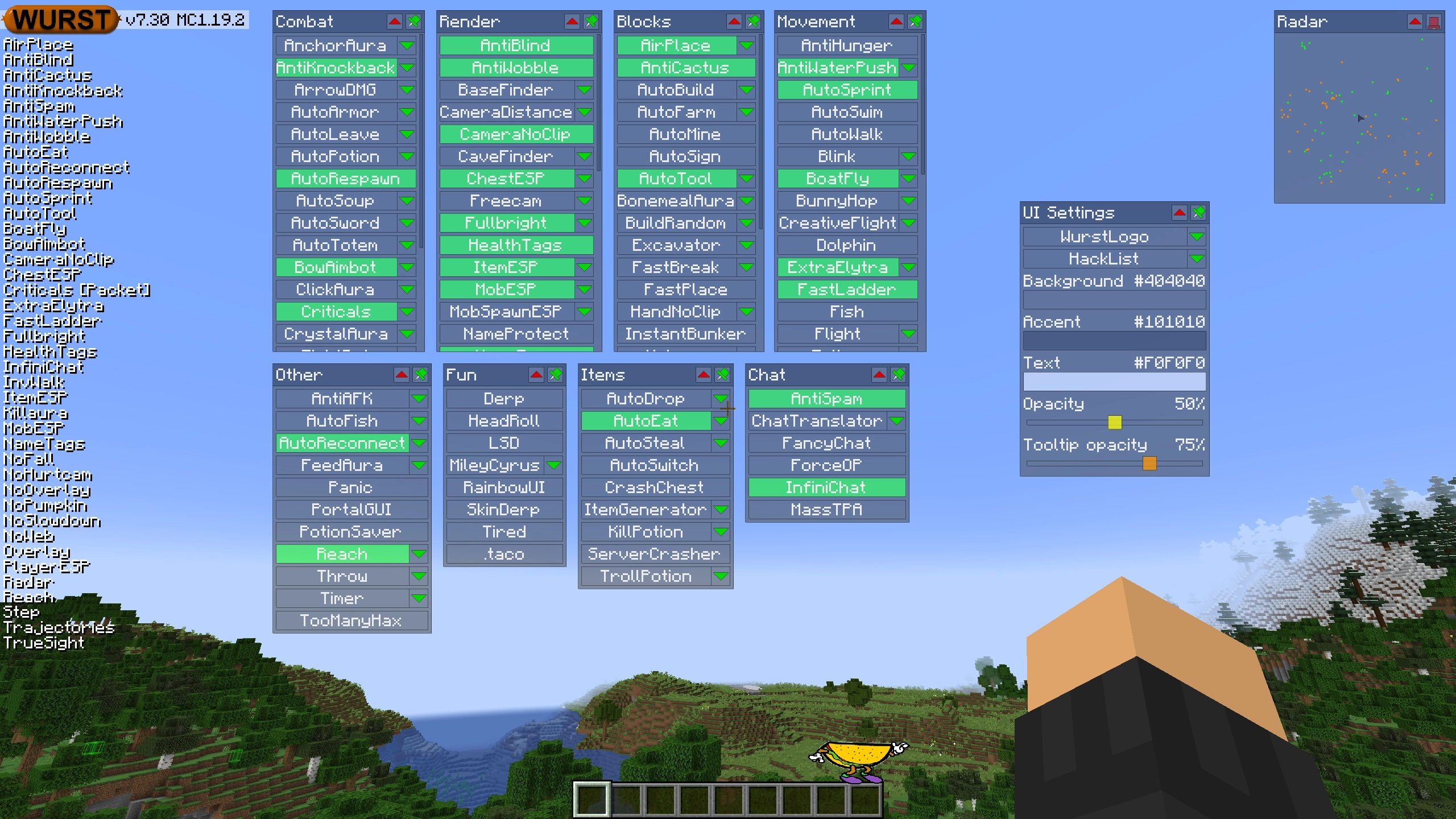
ClickGUI opens with the Right CTRL key. When opened, it displays a window for each category, which then contains a list of every feature in that category.
Navigator
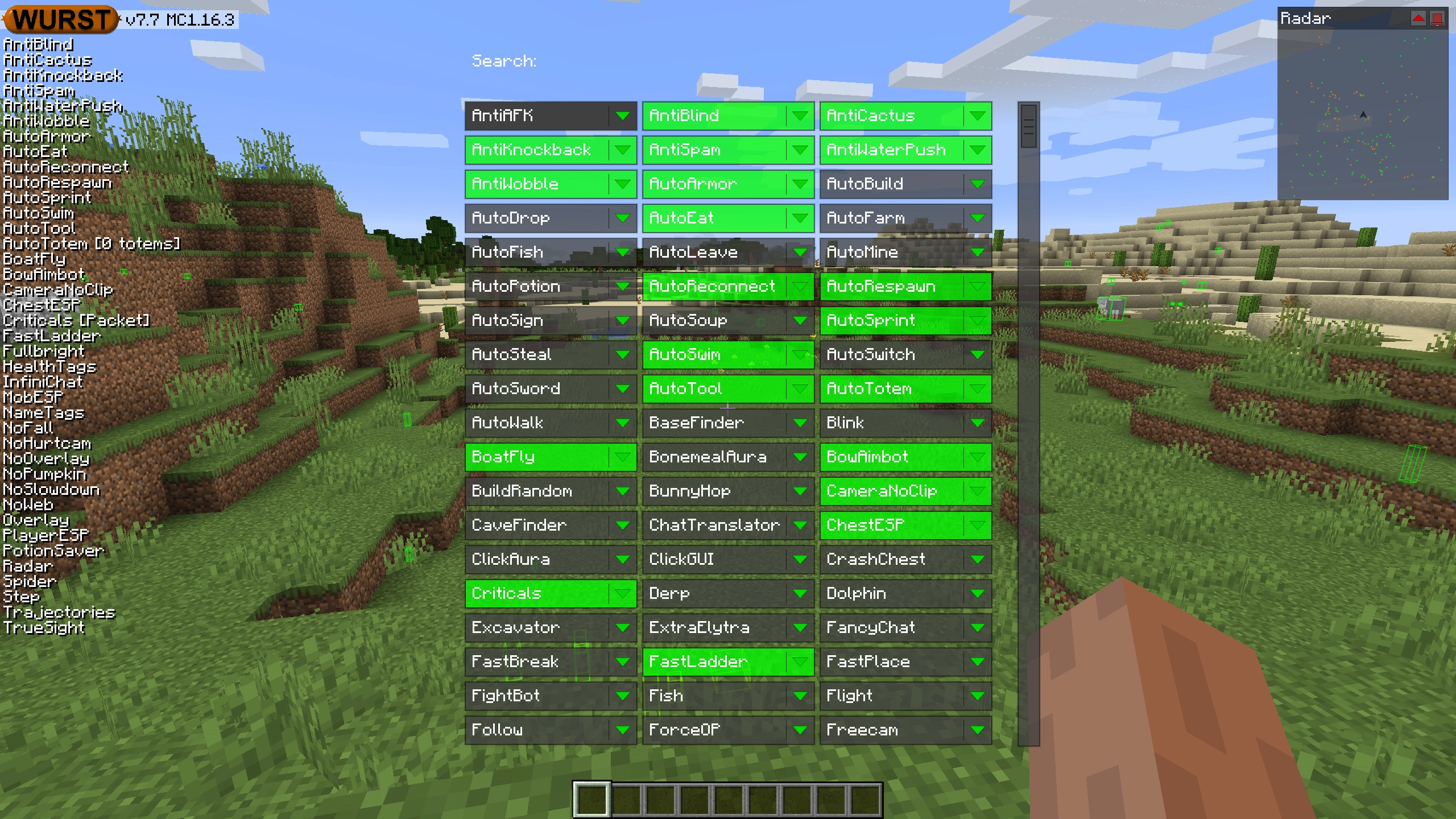
Navigator opens with the Right Shift key. When opened, it displays a searchable list of every feature in Wurst.
TabGUI
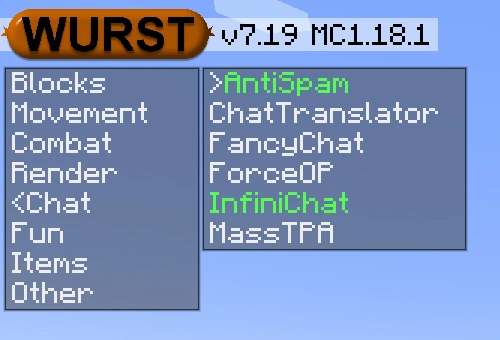
TabGUI does not have a default keybind. You can enable it by opening the Navigator GUI and searching for "TabGUI" (don't worry, you only need to do this once).
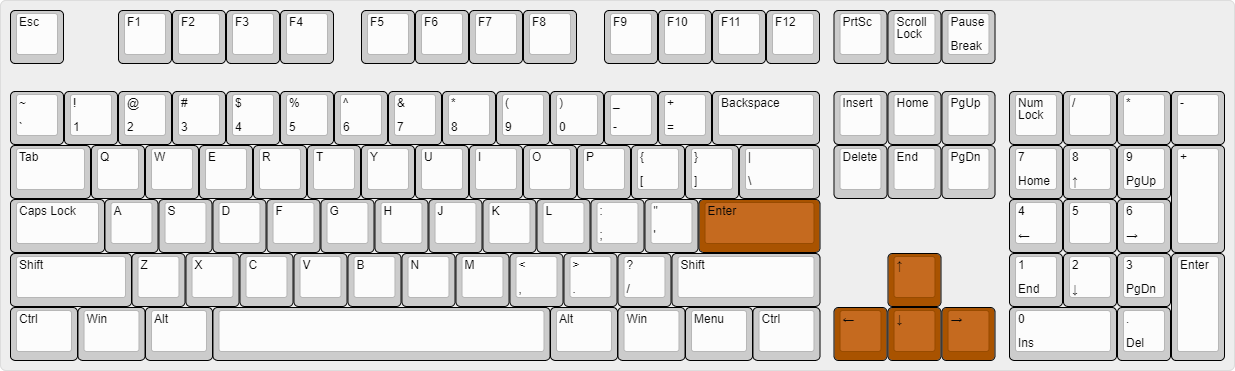
Once enabled, you can use TabGUI with the Arrow Keys to change the selection and Enter to toggle the selected feature.
Supported Languages (15)
Translations are unfinished and thus disabled by default. Go to Wurst Options → Translations to enable them.
- Chinese (Simplified/Mainland)
- Chinese (Traditional/Taiwan)
- Chinese (Cantonese/Hong Kong)
- Czech
- English (US)
- French
- German
- Italian
- Japanese
- Korean
- Polish
- Romanian
- Russian
- Turkish
- Ukrainian
 Fabric API
v0.139.4+1.21.11
Fabric API
v0.139.4+1.21.11